
See Simple Calendar in action
Explore fully interactive demos of Simple Calendar and discover how easy it is to display events, schedules, and appointments on your WordPress site. Try different views, test mobile responsiveness, and see exactly what your visitors will experience – no coding required.
Our Demos
Interact with each Simple Calendar feature and addon to know more about the plugin in real-time.
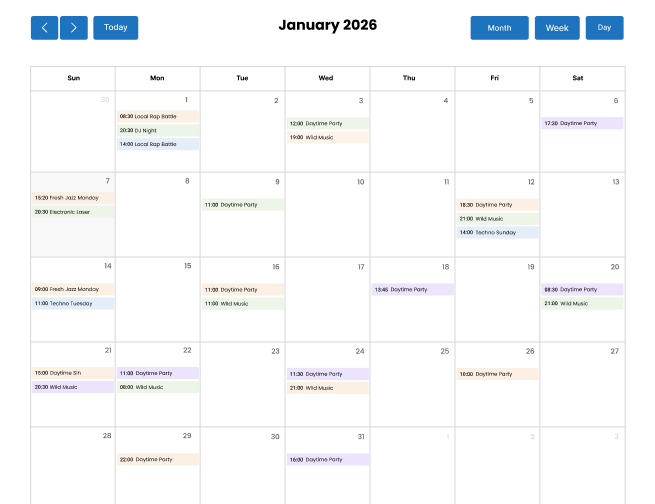
Google Calendar Pro - Grid View
Perfect for at-a-glance viewing. Display events in a familiar monthly grid that visitors instantly recognize. Ideal for event venues, schools, and community centers.
View demo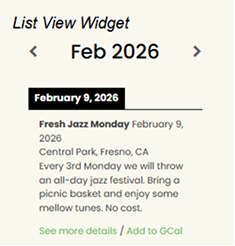
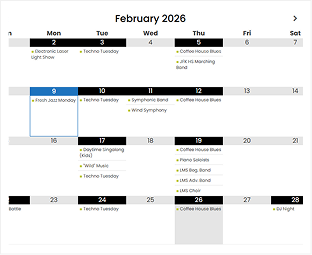
Google Calendar Pro - List View
Display list style Google Calendars on your site with a single tap. Perfect when you need to display without the constraints of a calendar grid. Great for blogs, news sites, announcement pages, and more.
View demo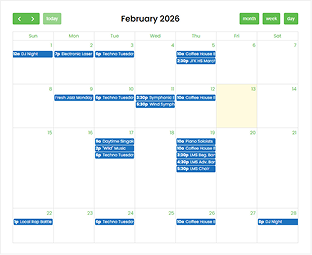
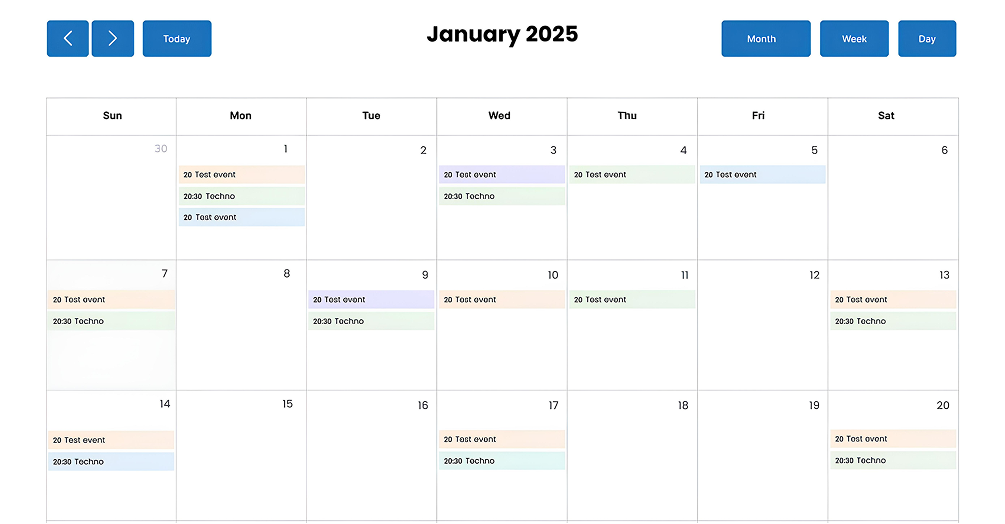
FullCalendar Extended
Using the FullCalendar open-source framework, FullCalendar Extended easily integrates grid-style Google Calendar into your WordPress site with multiple viewing formats, including monthly, weekly, or daily layouts.
View demo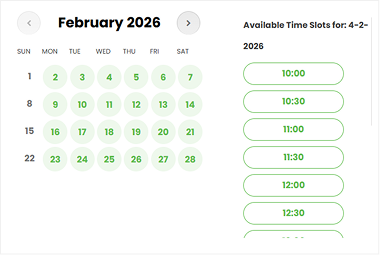
Book an Appointment
Perfect for at-a-glance viewing. Display events in a familiar monthly grid that visitors instantly recognize. Ideal for event venues, schools, and community centers.
View demo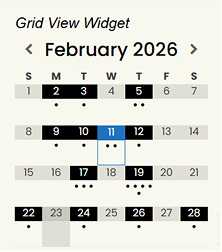
Grid View Widget
Display list style Google Calendars on your site with a single tap. Perfect when you need to display without the constraints of a calendar grid. Great for blogs, news sites, announcement pages, and more.
View demo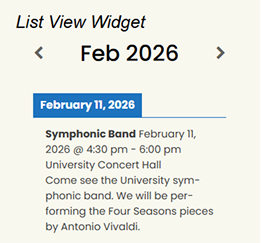
List View Widget
Using the FullCalendar open-source framework, FullCalendar Extended easily integrates grid-style Google Calendar into your WordPress site with multiple viewing formats, including monthly, weekly, or daily layouts.
View demoWhy Test Our Demos?
Interact with each Simple Calendar feature and addon to know more about the plugin in real-time.
- Live Functionality – Click, scroll, and navigate like a real visitor
- Instant Customization – Preview different colors and styles
- Zero Commitment – No signup, no download, just explore
- Mobile Preview – See how calendars adapt to any screen size
- Real Event Data – Experience calendars with actual content
- Different modes – Test both the dark and light modes
Other features
Interact live with other functionalities worth exploring now

Grouped Calendars
Show different calendars simultaneously in a side-by-side layout. Ideal for schedule comparisons or presenting multiple event categories. View Demo

Blog Feed Integration Free Addon
Automatically turn your blog posts into calendar events. Track blog publication dates, identify content gaps, and maintain a balanced posting rhythm across topics. View Demo

ACF Compatible Free Addon
Allow Simple Calendar to embed calendars anywhere within your custom field structures. Compatible with Advanced Custom Fields plugin versions 4.x, 5.x, and Pro. View Demo
Compare plans and pick the best fit
See what's included and discover how bundled add-ons deliver more value than purchasing them standalone.
Free Plugin
- Display public calendar events
- Display private calendar events
- FullCalendar integration
- Allow booking appointments
-
Enhanced customization options
- Multiple views
- Secure authentication
- Multiple language support
- Custom event colors
- Custom appointment bookings
- Unlimited calendar pages
- Image previews
- Special event template tags
- Fully responsive
- Regular updates
- Premium support
Paid Plans
- Display public calendar events
- Display private calendar events
- FullCalendar integration
- Allow booking appointments
-
Enhanced customization option
- Multiple views
- Secure authentication
- Multiple language support
- Custom event colors
- Custom appointment bookings
- Unlimited calendar pages
- Image previews
- Special event template tags
- Fully responsive
- Regular updates
- Premium support
Your ideas help us build what you need
We're always improving. Share the features you'd love to see and help us prioritize what to build next
Frequently asked questions
No, the Simple Calendar demo is completely free and doesn’t require signing up for an account to view the demo.
Yes, it’s a live, interactive demo to give you a practical experience of user interaction on the frontend. We suggest that you engage with our different demos listed above to know more about the features and enhanced options of the Simple Calendar plugin. We don’t currently have any video walkthrough of all the features, but you can view our YouTube tutorials here to know more about the plugin’s workflow.
Yes, you can definitely try to interact with the demo without connecting your real data or Google Calendar account. However, you may have to enter your Google Calendar email to check for certain functions that require it, such as when booking your appointment.
If you’re ready to get started after exploring the demo, head over to the Simple Calendar pricing page, where you can purchase the addon individually or as part of a bundle that gets you significant savings compared to buying them separately. Pick the plan that fits your needs, whether it’s for a single site or multiple sites, and you’ll have everything set up in no time.