
TL;DR
Choosing a WordPress calendar plugin comes down to matching your use case, not chasing the longest feature list. Before comparing plugins, figure out which bucket you’re in: simple event display, appointment booking, event marketing, or developer-ready. Then run it through an 8-point checklist — ease of use, performance impact, Google Calendar sync, event flexibility, privacy/indexing controls, theme and mobile compatibility, scalability, and active support/development. If you need to display events synced from Google Calendar without bloat, a lightweight tool like Simple Calendar is best; more complex booking or full event management needs call for dedicated plugins.
An overview
In the past, choosing a WordPress calendar plugin was a no-brainer. However, that’s not the case anymore due to the increased complexity of plugins as well as changing user dynamics across mobile devices.
Today, your calendar plugins need to be an integral part of site performance, especially when mobile performance is critical. If your site takes longer than three seconds to load on a mobile device, be ready to lose almost 53% of your visitors right away, as per recent statistics. That means your calendar plugins’ mobile site performance can’t be overlooked at any cost.
Yet, it’s not the only factor you should be counting on while deciding on the right plugin, but it’s the most critical one. A modern and simple calendar plugin must do much more than display events, such as the following:
- Sync cleanly with Google Calendar
- Handle recurring events without breaking
- Load fast, especially on mobile
- Play nicely with SEO (structured data, indexable event content)
- Work with your theme instead of fighting it
- Scale as your site or business grows
Where’s the problem? Well, look at what we’ve observed and experienced in all these years! Most plugins stick to one use case, and some are so simple that they stop working after one small requirement. Others try to cover each use case and become so big that they compromise page speed scores. Only a few find that ideal balance.
Because of all this, selecting one is not really a simple pick-and-done. You are better off using a small checklist instead of going off the stars. This guide has the actual framework that developers, agencies, SEO specialists, and general users use for evaluating WordPress calendar plugins, and where Simple Calendar tends to be most useful as a good balance for a range of sites.
Start with your use case, not the feature list
You’re on the right page if you’ve also encountered this common situation of getting your calendar plugin up, only to find out later that it lacks the feature you actually needed to install it for.
Fortunately, we’ve a quick solution to avoid these types of issues. First and foremost, you’re only required to note down a simple answer to ‘why you need that plugin’. Trust us, that will solve more than 90% of your problems! A feature list is irrelevant if you do not know what specific features will serve your needs.
Almost all WordPress calendar use cases can be bucketed into one of four categories, as described below.
Simple event display calendar
You can probably guess that if you just need to show what is happening, you probably just need a simple calendar. There are a lot of examples that fall into this use case, including WordPress sites for blogs, schools, churches, community organizations, and more. If you fall into this category, you are not relying on site visitors to make event bookings. You are most likely updating your Google Calendar and would like site visitors to see your upcoming events via a Google Calendar integration.
A business booking or scheduling calendar
If people need to schedule appointments with you, you need a scheduling calendar. This applies to salons, clinics, consultants, etc. If your business is booking appointments, you need a scheduling calendar that handles availability, time slots, and booking notifications. In this case, a simple event display calendar will frustrate you and your customers.
An event marketing calendar
If your business requires you to promote your events on Google and not just on your website, you need an event marketing calendar. This applies to conferences, ticketed events, and community meetups. You need a calendar that can be searched and event pages that can rank. This requires a calendar that generates schema markup, indexable event pages, and has an RSVP or ticketing feature.
A developer-ready calendar
If you’re building something custom, you need a developer-friendly calendar. This applies to SaaS and membership portals and anything that requires calendars to be a modular component. Now, you are more concerned with API access and custom post types, and how much the plugin removes its own layers of complexity, rather than a polished user interface.
This is important to understand because usually if a plugin is built for one of these situations, it won’t adapt well to the others. If a booking system is used to do a basic event display, it is going to be a more complex and heavier system than it needs to be.
A lightweight display system used for booking will reach its limit very quickly. Understanding the purpose of the system/ plugin before making any feature comparisons will help to understand and avoid the issue of needing to install and uninstall the plugin.
Ultimate buyer’s checklist: 8 things to check before you install
You don’t have to assess every single detail that a plugin may offer. You need to check the handful of things that actually determine whether it’ll still be working, and working well, six months from now.
1. Ease of use
If you, your client, or other potential users cannot add an event within the plugin without you having to submit a support request, the plugin has not accomplished its purpose. Look for options that allow you to perform setup and management from within your familiar WordPress dashboard rather than a separate system.
- Can events be created without touching code?
- Is pricing clear upfront, with no features locked behind a confusing tier structure?
- Would a non-technical team member be comfortable using it unsupervised?
2. Performance impact
A calendar that loads scripts on every single page, even ones with no calendar on them, is quietly working against your SEO. As page speed is a ranking factor, this deserves more scrutiny than most buyers give it.
- Does it load assets only on pages that actually use the calendar?
- Has anyone checked its effect on Core Web Vitals before installing?
- Is it built to work with standard caching plugins, not against them?
3. Google Calendar sync
The most advantageous aspect of a calendar plugin, according to most users, is its ability to sync with Google Calendar. It’s because you only have to update your calendar in one place.
- Does it support two-way sync, or only pulling events in one direction?
- Does it work with ICS feeds if you’re not fully in the Google ecosystem?
- Do updates in Google Calendar reflect on your site automatically, without a manual refresh?
4. Event flexibility
Schedules in real life can be chaotic. Calendar plugins that only deal with ad hoc events may quickly become useless.
- Will your calendar plugin deal with events that span multiple days?
- Will your calendar be able to deal with recurring events without messing up?
- Will your calendar plugin allow you to categorize or group events together?
5. Privacy and indexing control
Not every calendar is meant to be public. Internal team schedules, members-only events, or anything pulled from a private Google Calendar shouldn’t end up crawlable just because the plugin doesn’t give you a choice.
- Can you sync a private Google Calendar without it becoming publicly indexed?
- Does the plugin let you control visibility per calendar, not just site-wide?
- Is there a real option to keep internal-use calendars off search engines entirely?
6. Theme and mobile compatibility
A calendar that looks great on your desktop preview and falls apart on a phone isn’t ready to ship, and with most of your traffic arriving on mobile, this isn’t a minor detail anymore.
- Does it render properly across major theme frameworks, not just the default WordPress theme?
- Is the mobile layout responsive across all screen sizes?
- Have you tested it with your specific theme before committing?
7. Scalability
A plugin that works perfectly fine with 20 events can behave in a totally different way with 200 or 2000 events. This is more important for growing sites than most people plan for.
- Will it continue to work fine as your number of events grows?
- Is there any information about how the plugin will behave at scale in reviews or documentation?
- Will it be a disaster if your number of events doubles next year?
8. Support and active development
An abandoned plugin is a liability, even if it works fine today. WordPress will keep evolving, and plugins that stop evolving will break and become a security issue.
- When was it last updated?
- Is the documentation clear enough to self-serve most questions?
- Does the support team actually respond, based on recent reviews?
Mistakes That Quietly Sink Most Calendar Plugin Choices
Most of these aren’t huge problems. Nobody’s calendar plugin crashes their site on day one. The damage is usually slower and less obvious. By the time it’s annoying enough to fix, you’re three months in and migrating calendars is the last thing anyone wants to deal with. Here’s where it usually goes wrong.
Mistake 1: Looking Only at the Feature Lists
You might be tempted to look at three different plugins, pick the one with the longest feature list, and use that plugin. Just because something has a long feature list doesn’t mean it is a good plugin. In reality, a feature-rich plugin will come with more settings and features that will likely be ignored and a higher likelihood of something breaking. A plugin that is focused on a few core features that are of high utility to you will serve you much better than one that has a ton of features and is trying to do everything.
Mistake 2: Ignoring the performance cost
Ignoring the performance cost is one of the most common mistakes. Calendar plugins add scripts to the background of your site and significantly slow your site down. These plugins lower your site’s score on Core Web Vitals, and you lose rankings. The slowest plugins are the ones that are most difficult to notice. The performance cost of the plugins needs to be weighed during the selection process and shouldn’t be evaluated when the damage has occurred.
Mistake 3: Overbuilding for a simple need
Installing unnecessarily complicated Plugins is the other side of the features mistake, and is equally common. This is an example of when a full booking and scheduling system is added to a site that is simply listing upcoming events. Booking Plugins look the most ‘complete’ and the most ‘secure.’ These Plugins are often the most complicated and have the most negative impact on site performance. You should only use the tools required to complete the job.
Which WordPress calendar plugin fits you the best?
Rather than having to systematically examine all the available plugins, it makes more sense to identify your end goal and then match it to a relevant category. Most websites tend to fall into one of three mutually exclusive categories; therefore, knowing what category your website falls into will massively simplify the remaining choices.
For simple event display + Google Calendar sync
If you simply wish to display the upcoming events that you have already created and updated through an existing Google Calendar, then you definitely don’t need a bulky, large-featured plugin. You need something fast and very easy to set up with no development required.
- Lightweight design and built with fast performance in mind
- Syncs via Google Calendar, so you update once, and it shows everywhere
- Simple setup that a non-technical user can manage in minutes
- No performance overhead weighing down the rest of your site
Best fit: Simple Calendar handles exactly this case. It provides you with a straightforward, dependable way to sync and display events without adding bloat to your site.
For appointment booking & scheduling
If your clients need to book a time with you to meet, for consultation, treatment, or any other type of single-provider, one-on-one appointment, then you need something that is a little more complex than a showing calendar. That being said, if you are a solo provider or a small organization, rather than a large multi-service provider business, this aspect also does not need to get very complicated.
- Availability is shown on your site without the need to navigate to Google
- A customizable booking form within your site
- Protection against double booking
- Two-way sync, with bookings on your site populating Google Calendar
Best fit: If you need to schedule appointments without a lot of complexity, Simple Calendar’s Book an Appointment add-on works well because it keeps the bookings on your site and doesn’t require visitors to go to another Google page. For more complex booking scenarios that involve multiple staff, services, or payments, Amelia or Bookly may be a better fit.
For complex, large-scale event management
If you run an organization that has a high number of events, and you need things like advanced ticketing, multiple event organizers, advanced searching and categorization, an event management system is what you need.
- Ticketing and RSVP management at volume
- Multi-organizer and multi-venue support
- Advanced filtering, categorization, and event taxonomies
- Deeper customization for complex event workflows
Best fit: Plugins like Modern Events Calendar or The Events Calendar are built for this level of complexity, where a lightweight plugin would start to feel limited.
A quick decision framework
If you’ve read this far and just want the short version, here it is. Most of the decisions come down to one question: how complex does your calendar actually need to be?
If you need:
- Simple event display + Google Calendar sync + private Google Calendar integration → Simple Calendar
- Advanced booking system → Dedicated booking plugins like Amelia or Bookly
- Full event management suite → Plugins like The Events Calendar or Modern Events Calendar
Frequently asked questions
What’s the biggest mistake people make when choosing a calendar plugin?
Picking based on the longest feature list instead of their actual use case. Extra features you don’t need usually mean more bloat and more things that can break.
Does a calendar plugin really affect page speed?
Yes. Many plugins load scripts on every page, even ones without a calendar, which can quietly hurt your Core Web Vitals and search rankings.
Can I keep a private Google Calendar synced without making it public?
Only if the plugin gives you per-calendar visibility controls. Not all of them do, so this is worth checking before you commit. Simple Calendar’s Google Calendar Pro addon allows private calendar integration.
Do I need a booking plugin if I just want to display events?
No. A full booking/scheduling system is overkill if you’re only showing upcoming events; a lightweight display-and-sync plugin will perform better and be easier to manage.
How do I know if a plugin will still work in a year?
Check the last update date, how responsive support is in recent reviews, the user base, and whether documentation is clear enough to self-serve most questions.
Summarize with:
Related posts
Simple plugin. Pro features. Easy from day one.
We read the top 10 Google results for ‘best WordPress calendar plugin’ in September 2026. 8 of 10 recommended an event-management plugin to readers who only needed a display. But you already know it’s not enough for the specific choice you need to make. And that advice generally falls apart when you realize that each […]
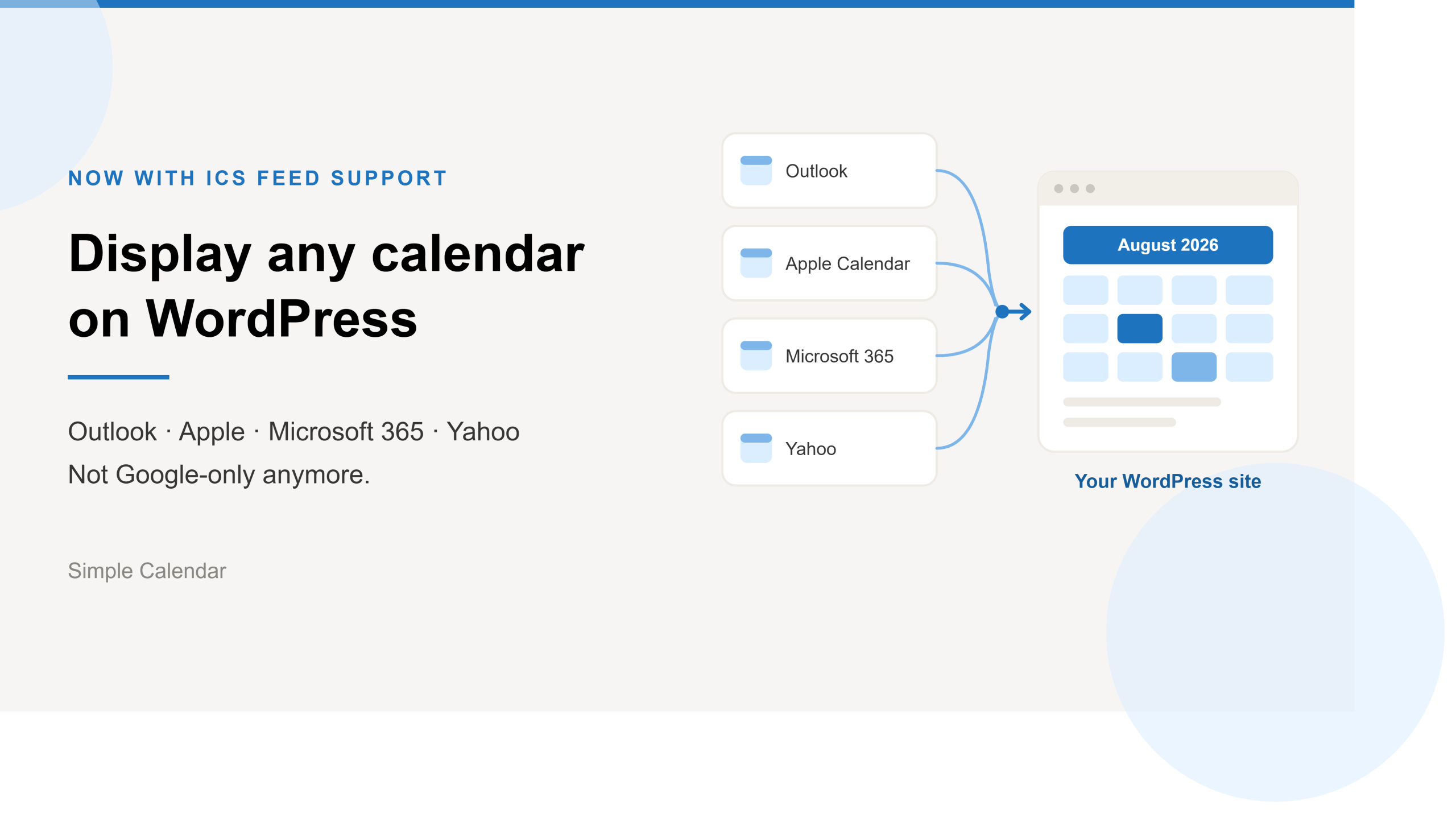
Simple Calendar now imports ICS feeds and connects live ICS feed URL. Learn step-by-step workflows for displaying Outlook, Microsoft 365, Apple, and Yahoo calendars.
After 13 years of building a WordPress calendar plugin, we know a Google Calendar embed looks like the easy answer. But it rarely stays that way. It’s only after you embed the Google Calendar manually and open the page on your mobile that you realize the calendar decided to live by its own rules. A […]