
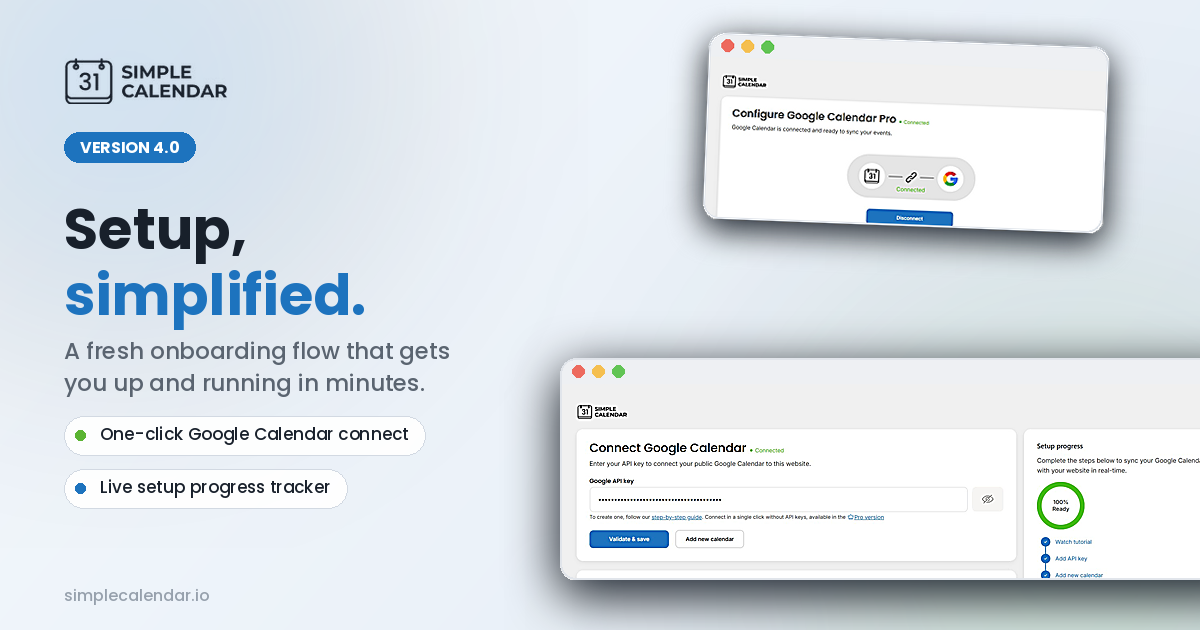
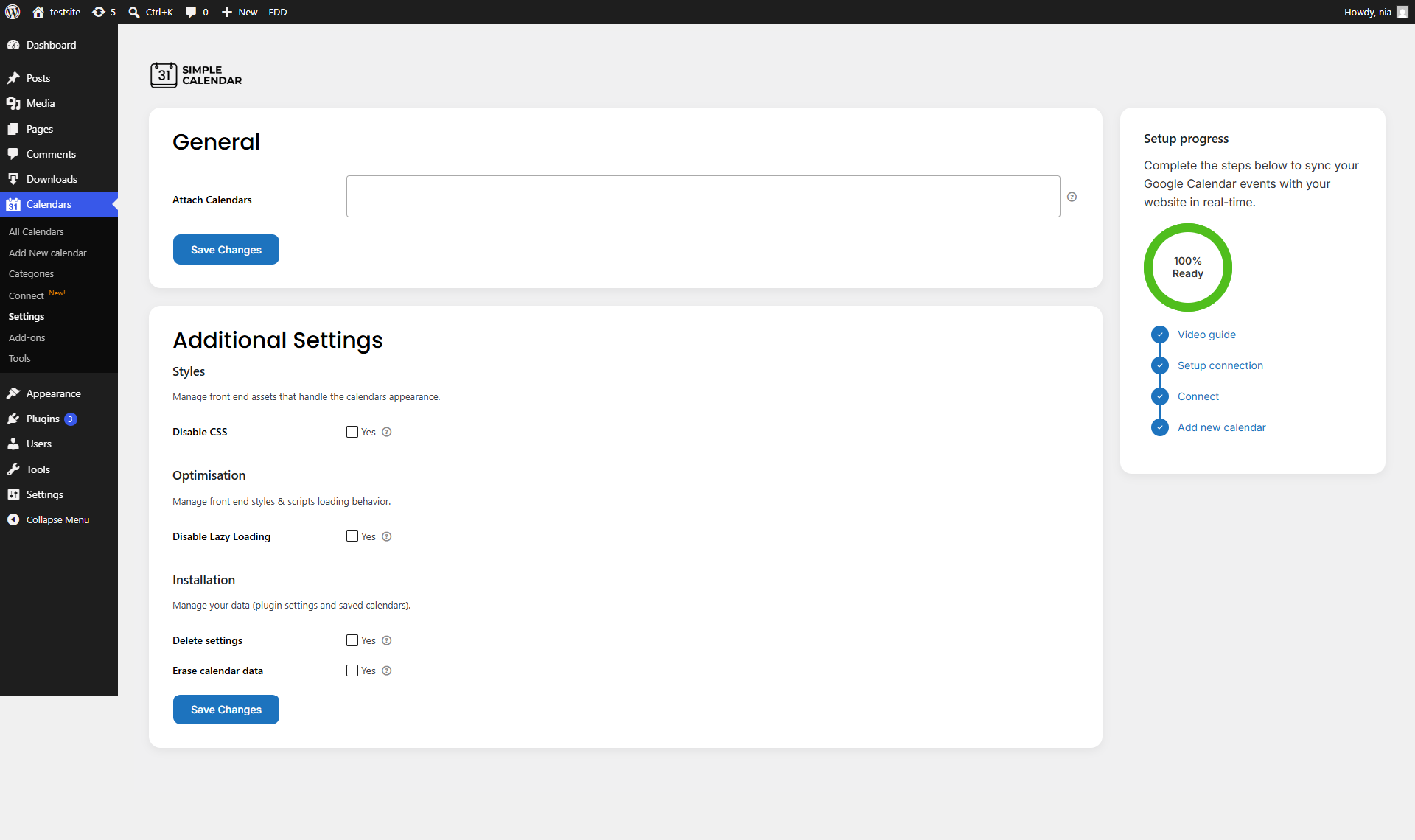
We’ve recently launched Simple Calendar v4 with an improved Google Calendar integration & onboarding experience. After activation, you receive a welcome page and a Google Calendar Connect page to step you through the setup. Gone is the need to search through settings. The setup status is visually indicated. The admin interface is updated and organized across addons and the settings page.
Onboarding is the very first step a user takes. It can quite literally make or break a product’s first impression.
So, while we continue to release regular plugin updates, we have also stepped back and focused deeply on something just as important. We’ve enhanced the onboarding and setup experience itself, including the user interface around it, in our Simple Calendar v4 update.
We didn’t make minor changes. We performed an in-depth analysis of the entire onboarding journey from start to end. This included observing actual users and noting the obstacles or friction points that prevented them from completing the onboarding process. We’ve also added resources to better guide users through the process.
In this release, we’ve focused on:
- A completely redesigned step-by-step onboarding flow
- A new Connect page that simplifies Google Calendar integration
- A visual setup progress indicator
- A guided experience with built-in instructions and tutorial videos
- A consistent admin interface UI across settings and add-ons
Added welcome page in Simple Calendar v4 for guided setup
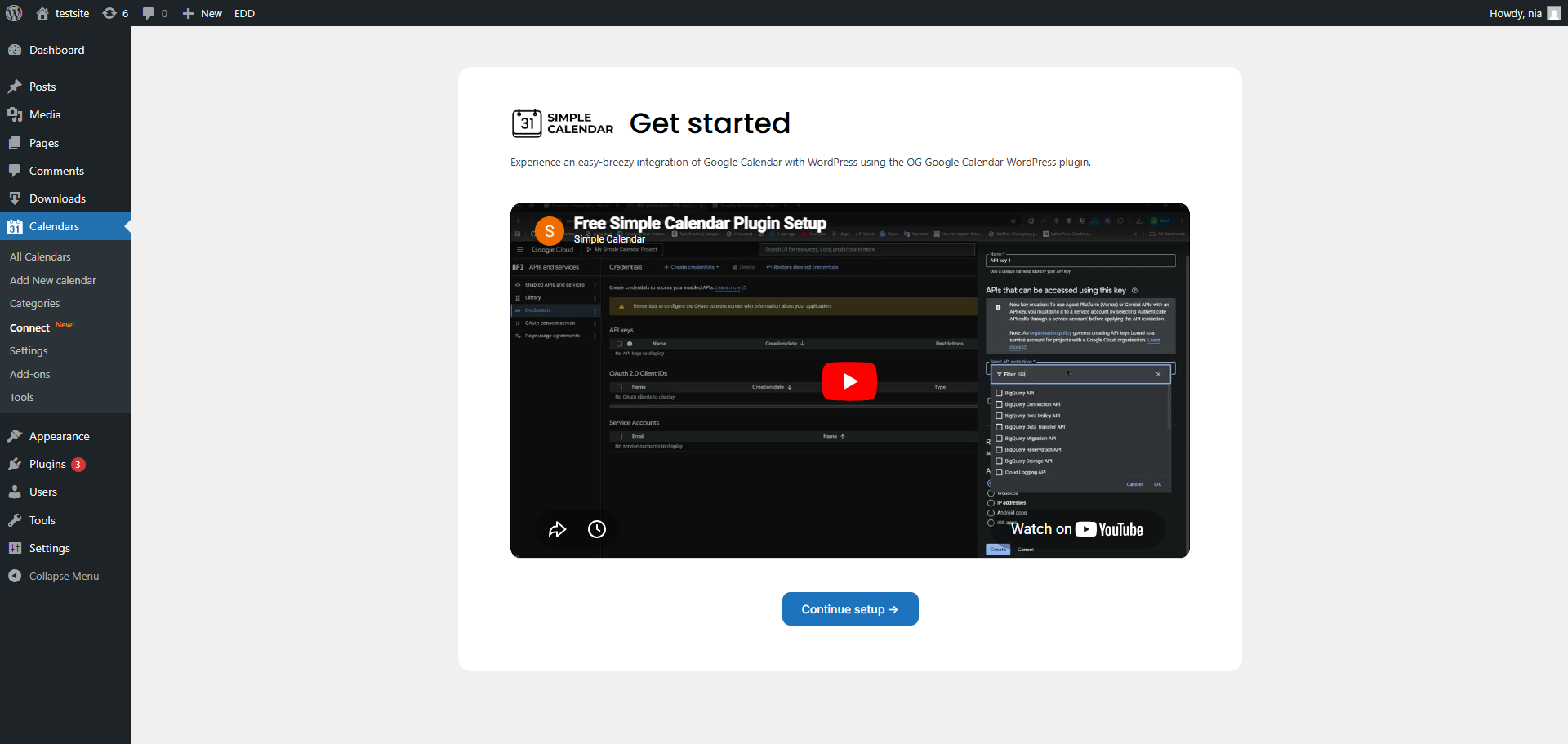
One of the most important additions in Simple Calendar v4 is the introduction of a dedicated welcome page for guided setup. Users encounter this page immediately after activating the plugin. Previously, first-time users were more or less clueless regarding the sequencing of steps required to complete their Simple Calendar setup successfully.
This version adds a systematized welcome experience and incrementally guides users along the path from activation to full configuration. The page succinctly states what the next steps users should take to perform the setup and ensure all necessary configuration steps are taken.
Why this improvement matters:
- Reduces confusion during first-time setup
- Improves the completion rate of the Google Calendar connection
- Ensures users understand the full setup sequence before configuration
What it fixes:
- Lack of direction after plugin activation
- Missed setup steps due to unclear navigation
- Inconsistent understanding of setup requirements
Simplified Google Calendar integration setup with a new Connect page
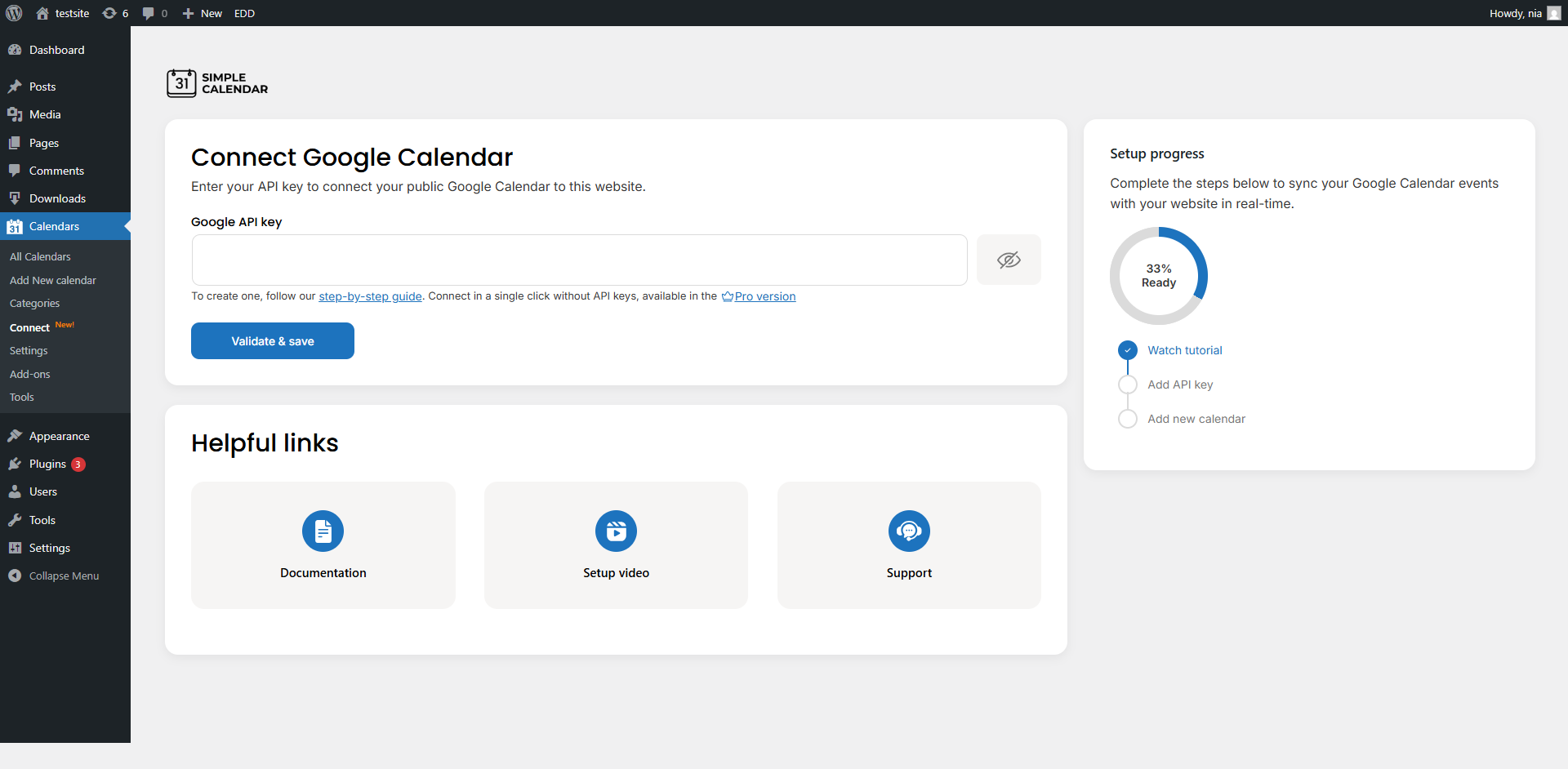
Simple Calendar v4 comes with a fully dedicated Connect page to ease Google Calendar integration.
Previously, users needed to first navigate to the Settings page to figure out that a connection to Google Calendar is required before any calendar can be added. This additional step in the onboarding process was more of a hassle for first-time users who were exploring the functionalities of the plugin. This additional step is now removed in release v4.
New users now land on the Connect page immediately after the Welcome screen. Instead of having to search for the answer in the Settings page, users now find all the information related to authentication and connection in a fully dedicated interface.
You can call this page a central hub for Google Calendar integration, where users can:
- Enter and validate their Google API key
- Instantly check connection status
- Add a new calendar after successful validation
- Follow the guided setup resources without leaving the page
A major enhancement here is the introduction of a Setup Progress indicator, which visually guides users through the entire configuration flow. As seen in the interface, users can immediately understand where they are in the process, whether it’s watching the tutorial, adding an API key, or completing the calendar setup.
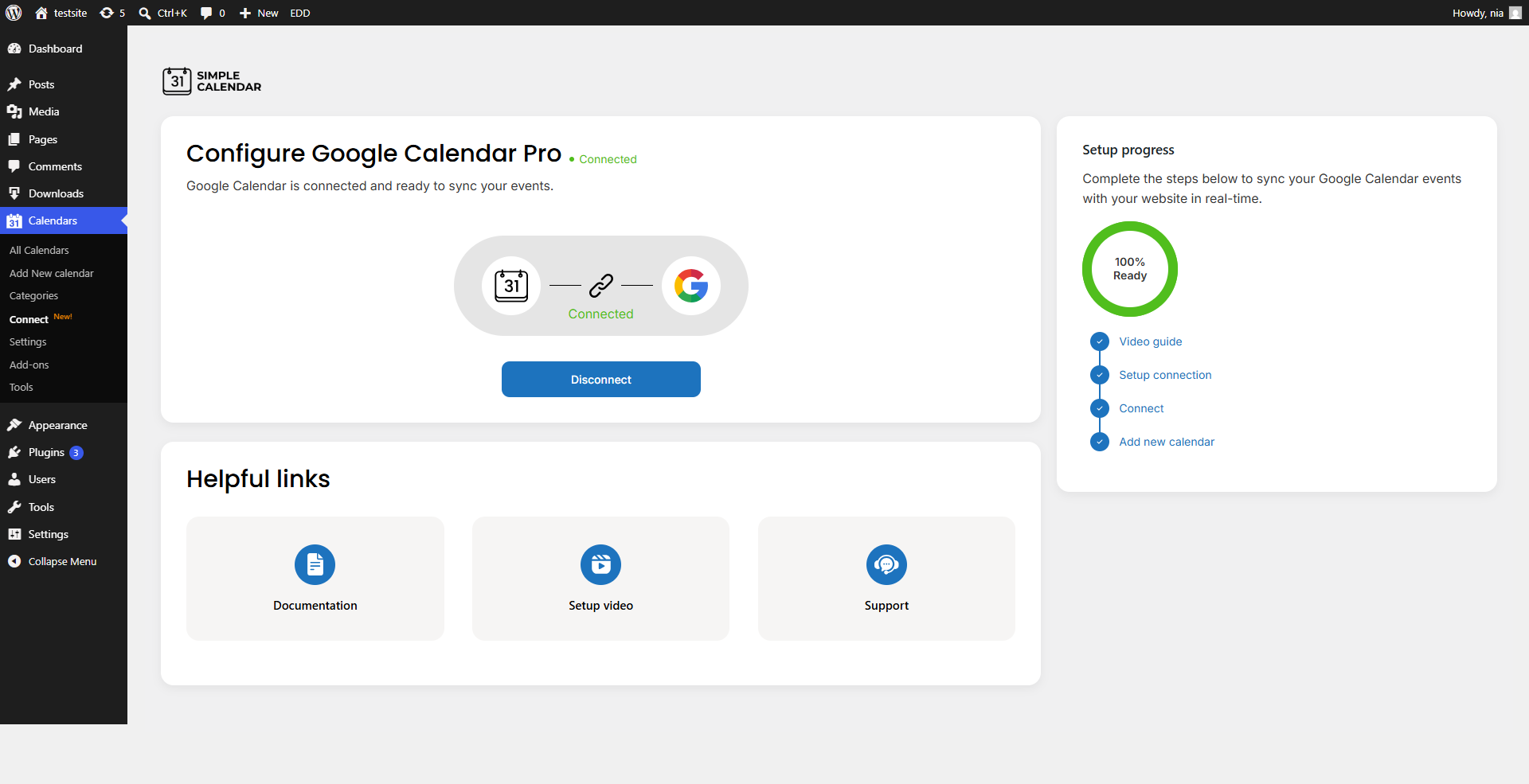
A More Consistent Admin Experience
While version 4 focused primarily on the onboarding process, we also worked on the rest of the admin experience and made sure everything in the plugin was consistent.
As a byproduct of these improvements, the settings and add-ons pages have been updated and now provide easier ways to browse. These updates provide a more coordinated experience throughout the admin interface.
If you run into any issues or need assistance during setup, our support team is always available to help here.
Summarize with:
Related posts
Simple plugin. Pro features. Easy from day one.
We read the top 10 Google results for ‘best WordPress calendar plugin’ in September 2026. 8 of 10 recommended an event-management plugin to readers who only needed a display. But you already know it’s not enough for the specific choice you need to make. And that advice generally falls apart when you realize that each […]
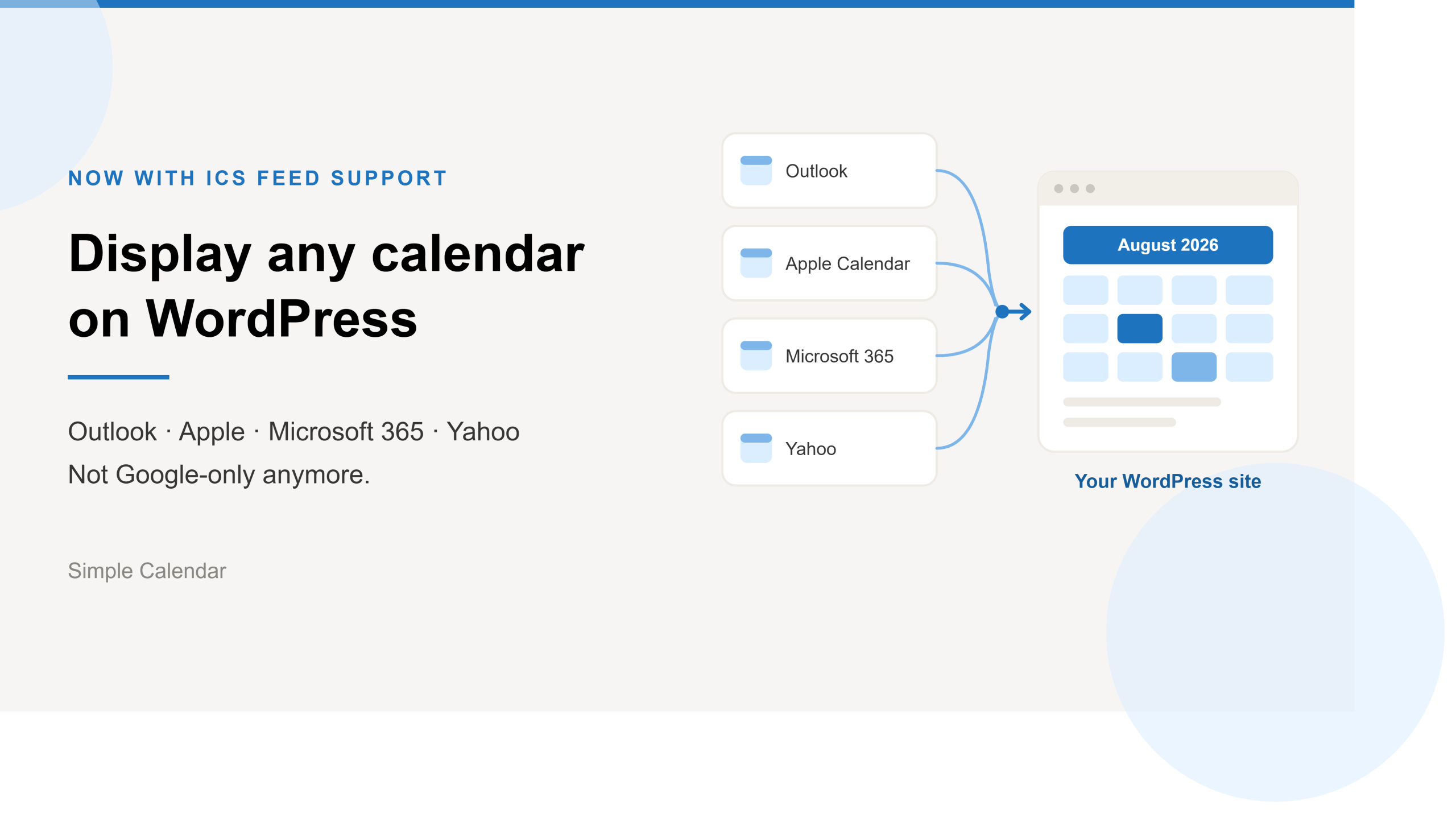
Simple Calendar now imports ICS feeds and connects live ICS feed URL. Learn step-by-step workflows for displaying Outlook, Microsoft 365, Apple, and Yahoo calendars.
After 13 years of building a WordPress calendar plugin, we know a Google Calendar embed looks like the easy answer. But it rarely stays that way. It’s only after you embed the Google Calendar manually and open the page on your mobile that you realize the calendar decided to live by its own rules. A […]