
One step from your calendar to your website
Simple Calendar is a WordPress calendar plugin that helps you publish your event schedule and available time slots directly on your WordPress site, synced with Google Calendar, Outlook, or any ICS feed. Visitors can see your available slots and book them directly using our booking addon.
 50k+ active installations
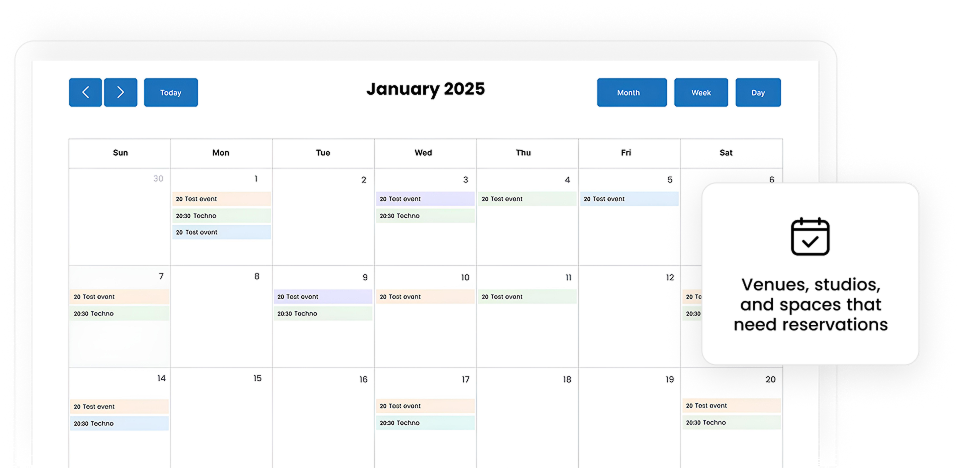
A booking calendar plus an events calendar for reservable spaces
Apart from the main functionality of Simple Calendar to integrate your calendar on your site, it also brings a simple reservation system. Display live availability, let clients book spaces online, and manage reservations from the calendar you already use every day.

Show current availability
Display the live schedule you already planned in your existing calendar, whether it's Google Calendar, Outlook, Apple Calendar, or any calendar that publishes an ICS feed.

Accept reservations 24/7
Most people decide to book a studio or a room outside business hours. With the Book an Appointment addon, they can check what's open, pick a time, and confirm the reservation right then.

Manage multiple spaces
Running more than one room or studio? Give each calendar it's own space, either to show availability, or to allow bookings, all from one WordPress site. Show them together or separately.

Keep clients informed
Enable the download and subscribe button on your calendar displayed on website to keep clients informed on the go. Explore further customization with event template tags.

No marketplace commissions
Studio and venue marketplaces take a cut of every reservation. Simple Calendar runs on your own WordPress site, so you won't have to pay a per-booking fee.

No code required
Setting this up doesn't require a developer. Connect your calendar, and the plugin handles the rest to sync, display, and allow appointment bookings.
Why venues and studios choose Simple Calendar
Most WordPress reservation plugins are either too simple or too complex. Simple Calendar keeps things straightforward. It connects with your existing calendar, displays live availability on your WordPress website, and lets clients reserve spaces online without needing a complicated venue management system.
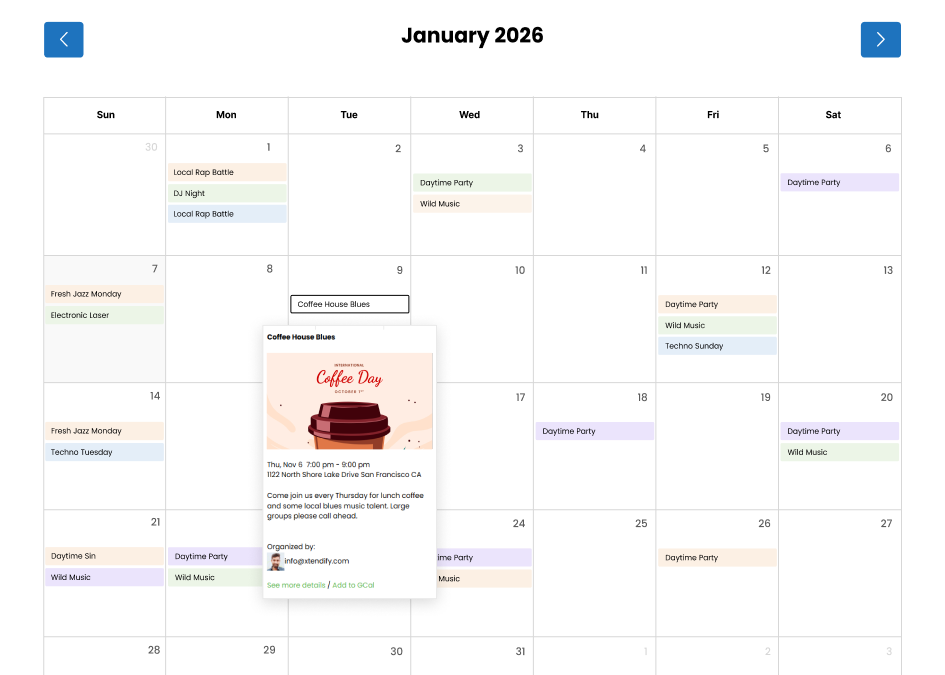
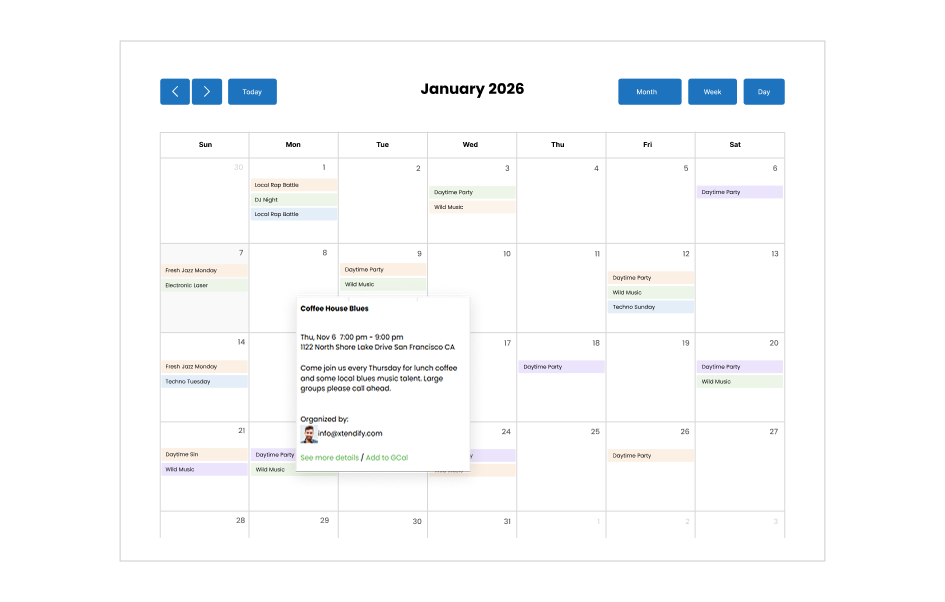
Get started with Simple Calendar in under 2 minutes
You don't need everything at once. Start with the free plugin, get your schedule live, and add the rest only when you need it.
Install the free plugin & go live
Download and install the free Simple Calendar plugin. Connect it to your public Google Calendar or upload an ICS file, and paste the shortcode onto any page. This step is everything you need to get started. The rest is optional.
Connect private Google Calendars securely
Google Calendar Pro replaces the multi-step credential setup with one-click authentication, so you can display a private Google Calendar securely. It also connects to a live ICS feed URL that keeps updating on the site instead of manual upload.
Give visitors better ways to browse
The FullCalendar Extended addon adds more ways to view your schedule: a monthly grid, a weekly timetable, or a day-by-day layout. Useful once you're displaying enough events that a single view isn't enough.
Accept bookings directly from your site
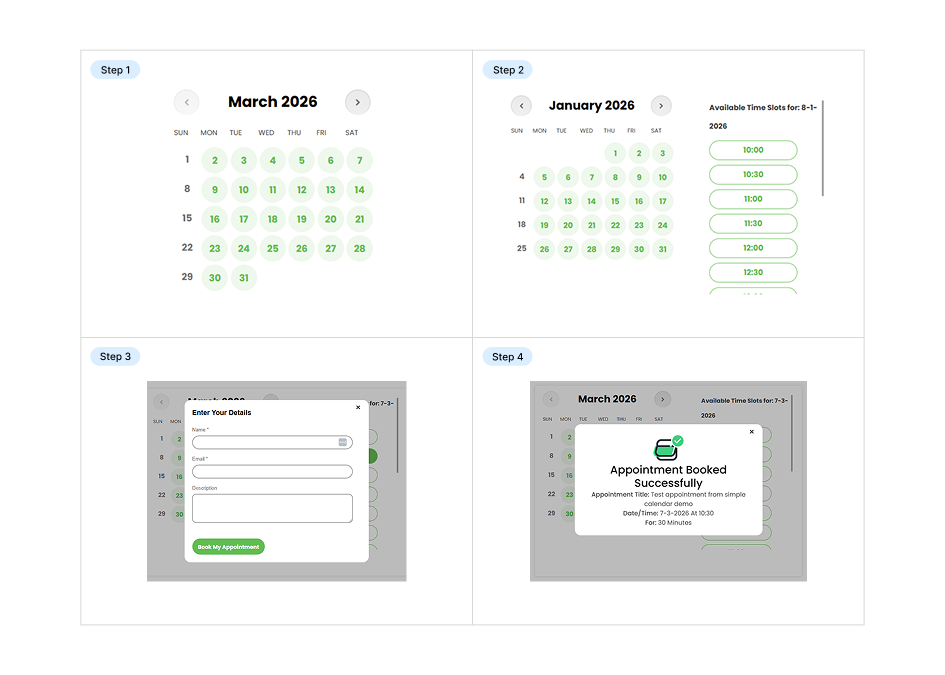
The Book an Appointment addon turns your availability into bookable slots, so people pick a time themselves instead of trading calls, emails, and messages.
Get required addons, or save 10x more with our curated bundles
Start with the free plugin and add features only when you need them, or save more with our bundled plans that combine Google Calendar sync, live ICS feed URL, advanced calendar views, and appointment booking in one package.
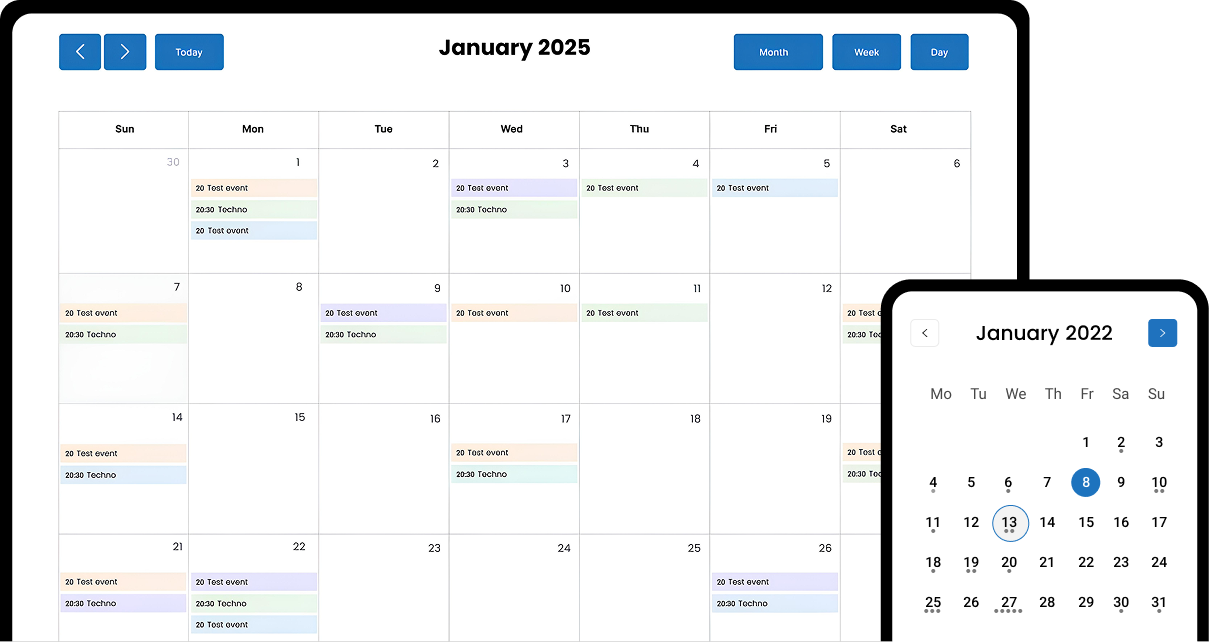
Join 50k+ customers who display their schedule with Simple Calendar every day
I've been using simple calendar since 2017 for my school, and it has become an absolutely indispensable tool for our website. Every class has a google calendar and we add their calendars to our website.

aniser2 (@aniser2)
11 months ago

This is a very good solution for simple calendars where the administrators and collaborators don't need to login to wordpress - they simply use a tool they are likely to be using anyways - google calendar. The free version offers enough features for many but you might consider the paid version for more options. Tech support was excellent and timely. I would highly suggest considering this plugin for your calendar needs.

brockstr (@brockstr)
11 months ago
I had a calendar display problem, where the month and contents of the calendar were shifted. I couldn't find what the problem was, but the very kind support found that the time zones were different. This solved the problem. I can only recommend it.

Reveszdesign (@reveszdesign)
11 months ago
Built for every studio
Simple Calendar is built for venues, studios, and spaces of all kinds. Manage your events in your calendar, publish your availability synced in real time on your website, or show available booking slots.

Photography and film studios
Show booking availability and shoot schedules so clients can plan sessions without emailing back and forth.

Rehearsal and music studios
Display studio availability and booking slots, helping musicians reserve time without scheduling conflicts.

Event and function venues
Publish upcoming events and availability so guests and planners can see openings at a glance.

Coworking spaces and shared offices
Share desk and room availability in real time, helping members get information about available space in an instant.

Art studios and creative spaces
Show class schedules, open studio hours, and availability so artists can plan visits easily.

Dance and movement studios
Display class times and studio availability, helping dancers find and join sessions with ease.

Community halls and multi-purpose spaces
Publish booking availability and event schedules so renters can see openings and book with ease.

Yoga and fitness studios
Show class schedules and studio availability that stay updated automatically, with real-time calendar synchronization.

Pottery and ceramic studios
Display open studio hours and class schedules so members can plan sessions around your availability.

Wellness and therapy studios
Let clients view appointment availability online, keeping bookings organized and synced with your calendar.

Podcast and recording studios
Show booking availability and session schedules so clients can book studio time based on your available slots.

Content creator studios
Publish studio availability and available booking slots, helping creators reserve time that fits their schedule.
Related posts
Simple plugin. Pro features. Easy from day one.
Creating an event or team schedule using Google Calendar embedded or integrated in WordPress can sometimes be problematic. The embedding can look old-fashioned, and there can be many display issues, especially on mobile. You’re not alone if you’ve encountered the same problems as everyone else. Fortunately, you don’t need to be a programmer to embed […]

Keep students, faculty, and parents informed about important dates and campus activities with the best Google Calendar WordPress plugin.

Build A Simple Online Business Event With Simple Calendar More Visibility = More Clients = More Business = More Revenue It’s how people see, hear, and talk about your event manager business. And here’s the kicker… you control the narrative. A strong online presence helps you stand out from competitors and connect with potential customers. […]
Your questions, answered!
A WordPress calendar plugin helps display, create, or manage bookings and schedules directly on the website. This helps venues and studios show real-time availability, and guests can also reserve slots directly from the site’s frontend with Simple Calendar addons.
Yes, the plugin allows real-time synchronization of your calendar events. It supports Google Calendar, Apple Calendar, Outlook, or any other calendar that publishes an ICS feed. The calendar further allows easy integration and secure authentication with its Google Calendar Pro addon.
Yes. Guests can easily set reminders for upcoming reservations by adding the event to their Google Calendar through the ‘Add to GCal’ link, which enables reminder notifications. You can further customize the appearance of events with the simple use of event template tags.
Yes, you can easily display schedules for multiple rooms, studios, or spaces on your WordPress site using the Grouped Calendars feature in Simple Calendar.
With the Book an Appointment addon, you can display availability online and let guests book from available slots only, automatically preventing double bookings.
Yes. Instead of blocking time manually in Google Calendar, you can set your available hours using the Book an Appointment add-on. Any unselected days or time slots are automatically hidden from guests on the frontend.
No, there’s no limit or restriction on the number of visible events shown on a specific day. You can set a display limit under the Appearance tab while adding a new calendar, if needed.
Our free Simple Calendar core plugin allows uploading an ICS file, which supports one-time import only, without any automatic updates once event updates on your end. On the contrary, connecting with a live feed URL, which is offered in our Google Calendar Pro addon helps keep your site in sync with the source calendar without you needing to manually update or import the file again.