
Schedule's already planned. Now site shows too.
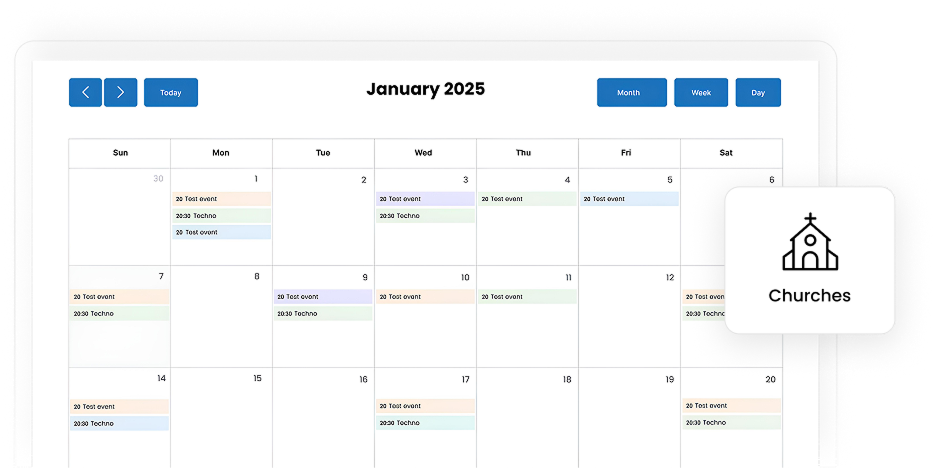
Simple Calendar is a WordPress calendar plugin that displays your existing calendar on your church website. Services, ministry events, and community gatherings update automatically from Google Calendar, Outlook, Apple Calendar, or any ICS feed.
 50k+ active installations
Let your calendar do the remembering
The real schedule lives in your church's calendar. The website has a second version of it, manually typed and updated whenever your church site’s admin or volunteer remembers. Simple Calendar reads from the calendar itself, whether it's Google Calendar, Outlook, Apple Calendar, or any ICS feed, so there's only ever one schedule, and it's the correct one.

Automatically updates events
Add a service, move a Bible study, cancel for weather! Make the change where your staff already works. Your website pulls from the same calendar, so the page updates without anyone logging into WordPress.

Calendar for every ministry
Each ministry keeps its own Google Calendar schedule, whether it's the youth group, women's Bible study, or Sunday services. Display them separately on their own pages, or combine them into one church-wide view.

Answers visitors' queries
Most people check a church website before they check directions. Your service times, small groups, and upcoming events sit right there on the page. No PDF to download, no 'call the office for details.'

Reads properly on a phone
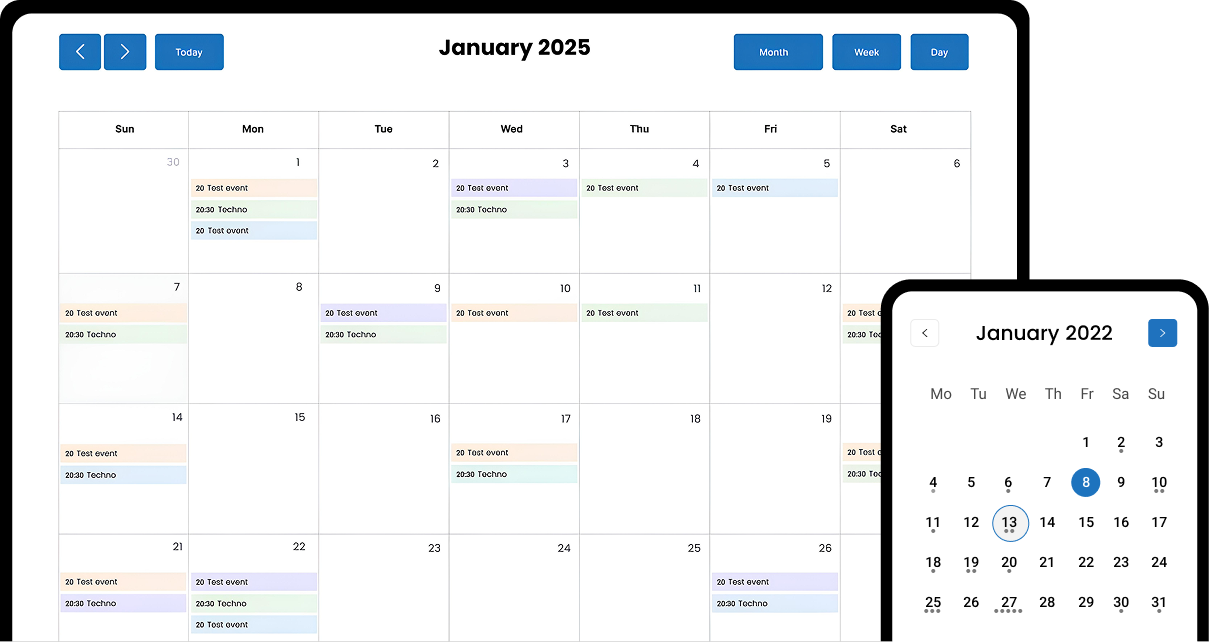
Your calendar stays responsive on every screen size or on every device, so it's easy to check anywhere between meetings, in the school pickup line, or from the car on a Sunday morning.

Let members book time
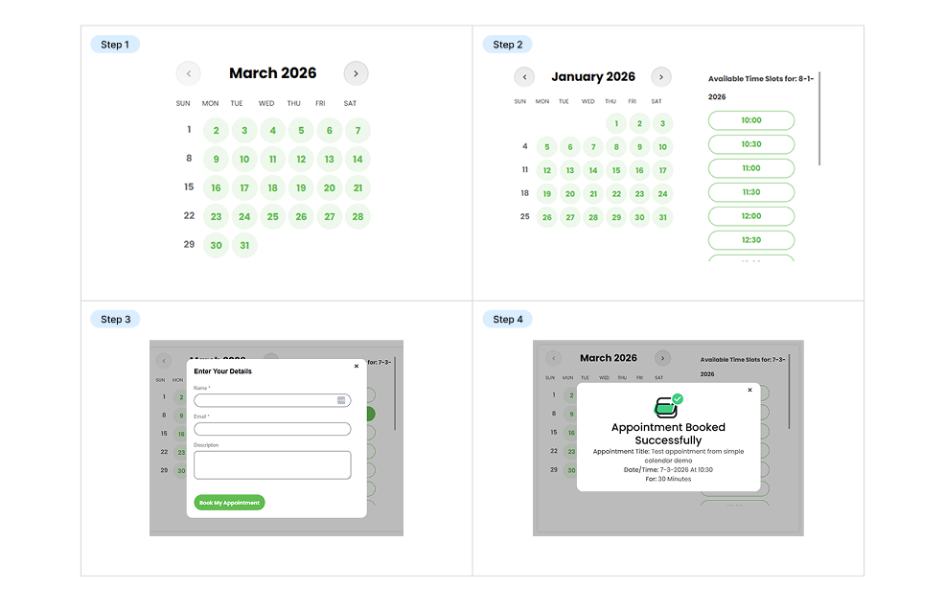
Right now, scheduling a counseling conversation means a phone call, a message through the office, and a wait. With the Book an Appointment addon, available slots appear on your site and members pick one themselves.

Works with existing calendar
Display Google Calendar, Outlook, Microsoft 365, Apple Calendar, or any calendar that publishes an ICS feed. No need to migrate your church's schedule to a new system to get a working website calendar.
Why churches choose Simple Calendar
Church schedules aren’t simple when it comes to recurring weekly services, seasonal events, special programs that change every year, and multiple ministry teams operating independently. Most calendar tools are built for businesses with a single schedule and a single team. Simple Calendar is designed for organizations where multiple calendars, multiple audiences, and a zero-budget technical team are all part of the job.
Get started with Simple Calendar in under 2 minutes
You don't need everything at once. Start with the free plugin, get your schedule live, and add the rest only when you need it.
Install the free plugin & go live
Download and install the free Simple Calendar plugin. Connect it to your public Google Calendar or upload an ICS file, and paste the shortcode onto any page. This step is everything you need to get started. The rest is optional.
Connect private calendars securely
Google Calendar Pro replaces the multi-step credential setup with one-click authentication, so you can display a private Google Calendar securely. It also connects to a live ICS feed URL that keeps updating on the site instead of manual upload.
Give visitors better ways to browse
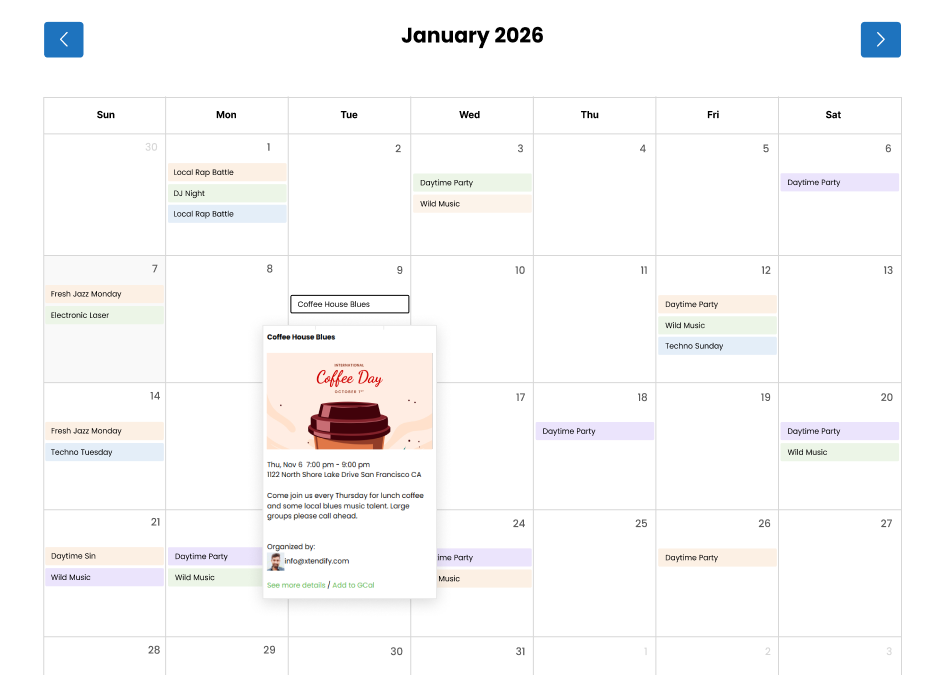
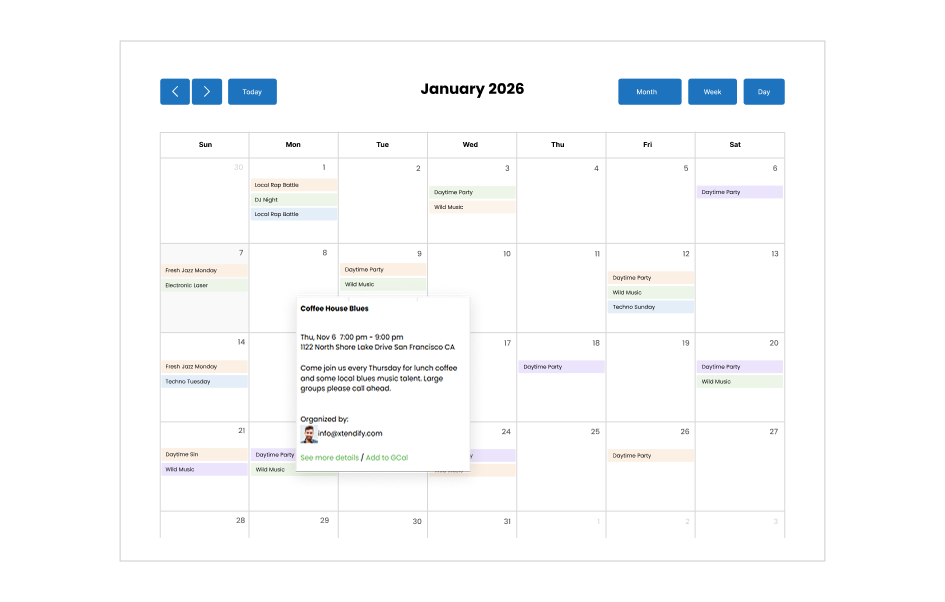
The FullCalendar Extended addon adds more ways to view your schedule: a monthly grid, a weekly timetable, or a day-by-day layout. Useful once you're displaying enough events that a single view isn't enough.
Accept bookings directly from your site
The Book an Appointment addon turns your availability into bookable slots, so people pick a time themselves instead of trading calls, emails, and messages.
Get required addons, or save 10x more with our curated bundles.
Start with the free plugin and add features only when you need them, or save more with our bundled plans that combine Google Calendar sync, live ICS feed URL, advanced calendar views, and appointment booking in one package.
Join 50k+ customers who display their schedule with Simple Calendar every day
I've been using simple calendar since 2017 for my school, and it has become an absolutely indispensable tool for our website. Every class has a google calendar and we add their calendars to our website.

aniser2 (@aniser2)
11 months ago

This is a very good solution for simple calendars where the administrators and collaborators don't need to login to wordpress - they simply use a tool they are likely to be using anyways - google calendar. The free version offers enough features for many but you might consider the paid version for more options. Tech support was excellent and timely. I would highly suggest considering this plugin for your calendar needs.

brockstr (@brockstr)
11 months ago
I had a calendar display problem, where the month and contents of the calendar were shifted. I couldn't find what the problem was, but the very kind support found that the time zones were different. This solved the problem. I can only recommend it.

Reveszdesign (@reveszdesign)
11 months ago
Built for all types of churches
Simple Calendar is built for churches, ministries, and congregations of all kinds. Manage your services and events in your calendar, publish your schedule, and automatically sync updates to your website with ease.

Community churches
Share service times, event schedules, and ministry activities in one place so members always know what's happening.

Multi-ministry churches
Display schedules for every ministry and program on your website, keeping members always informed on the go.

Pastoral counseling/ appointment-based ministry
Let members book counseling sessions and appointments with a live schedule synced automatically with your calendar.

Multi-campus churches
Show service times and events across every campus, keeping each congregation updated automatically.

Church plants & newer congregations
Publish service times and gatherings on your website, helping new visitors find and join with ease.

Online & hybrid churches
Share both in-person and livestream service schedules so members can join however they worship.
Related posts
Simple plugin. Pro features. Easy from day one.

11+ Google Calendar Hacks for Smart Scheduling Needs Hey there, busy bee! Are you tired of juggling a zillion tasks and appointments, desperately trying to keep your life on track? Well, worry no more because we’ve got some Google Calendar hacks that will change the game for you. We’re going to uncover some mind-blowing Google […]
Creating an event or team schedule using Google Calendar embedded or integrated in WordPress can sometimes be problematic. The embedding can look old-fashioned, and there can be many display issues, especially on mobile. You’re not alone if you’ve encountered the same problems as everyone else. Fortunately, you don’t need to be a programmer to embed […]
An overview In the past, choosing a WordPress calendar plugin was a no-brainer. However, that’s not the case anymore due to the increased complexity of plugins as well as changing user dynamics across mobile devices. Today, your calendar plugins need to be an integral part of site performance, especially when mobile performance is critical. If […]
Your questions, answered!
A WordPress calendar plugin helps display services, events, and ministry schedules directly on your website from your calendar, whether it’s Google Calendar, Microsoft 365 Calendar, Apple Calendar, Outlook Calendar, or any calendar that publishes an ICS feed. Simple Calendar lets churches show upcoming services and events. With the plugin’s extensive set of features, members can even add them straight to their own calendars or perform other actions as set by the event template tag usage.
Yes, the plugin automatically updates Google Calendar events on your WordPress site in real time. You only need to add services or events to your Google Calendar once, and the plugin syncs them to your site immediately, while handling the caching issue.
Yes. Members can easily set reminders by adding the event to their Google Calendar. They click the ‘Add to GCal‘ link to save the event and enable reminder notifications. Likewise, you can add other features to a specific event using the Simple Calendar’s event template tags.
Yes, you can easily display schedules for multiple ministries, campuses, or programs on your WordPress site using the Grouped Calendars feature in Simple Calendar.
Yes, you can start for free with the Simple Calendar core plugin, which displays events from a public Google Calendar and supports uploading an ICS file. For a simpler one-click setup with private event syncing, the Google Calendar Pro add-on offers secure authentication and various other advanced customization features that you won’t get in a free plugin.
With the Book an Appointment addon, churches can display availability for counseling or one-on-one sessions online. It allows members to book from available slots only, preventing double bookings.
Yes, Simple Calendar supports adding a calendar on any specific page via shortcodes. You only need to add the shortcode to the WordPress content editor of the page where you want the calendar to appear.
Yes. Simple Calendar can import events from any calendar that publishes an ICS feed, including Outlook, Microsoft 365, Apple Calendar, and Yahoo Calendar. You can upload an exported .ics file with the free plugin, or connect a live ICS feed URL with the Google Calendar Pro addon.
Yes. You can display buttons that let visitors download the calendar as an .ics file or subscribe to its feed URL. Subscribing means their calendar keeps up with changes you make later, so a moved service time updates on their phone too.
Yes, you can add a print button on any calendar, so visitors can print the current view or save it as a PDF from their browser.