
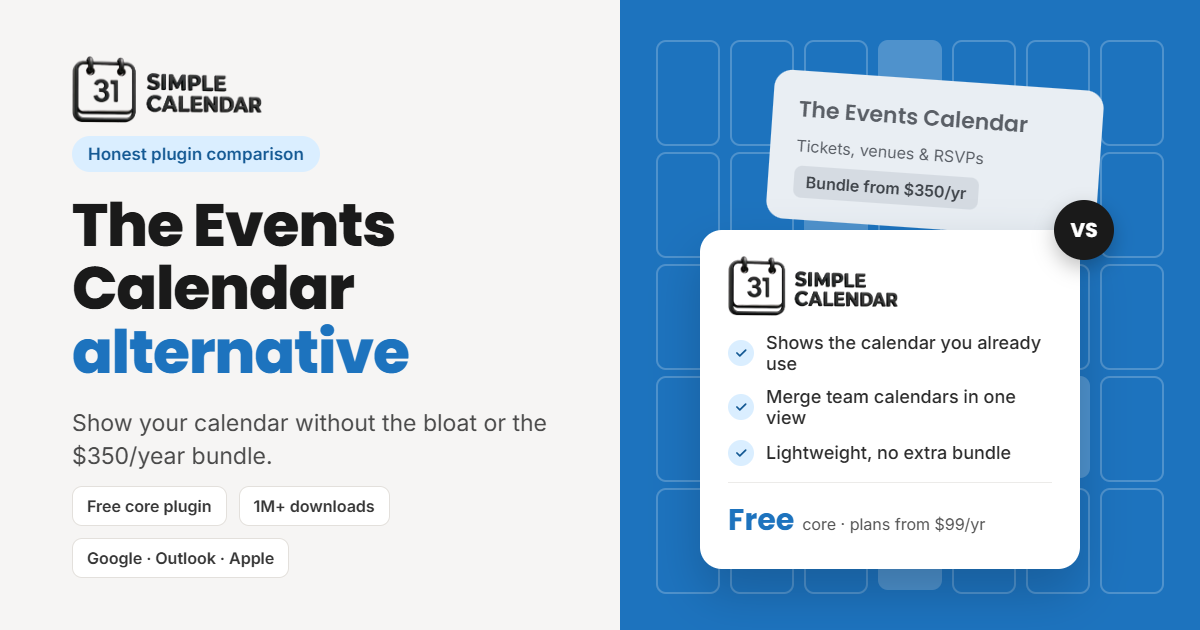
The Events Calendar alternative: Simple Calendar vs. The Events Calendar
TL;DR
- Pick Simple Calendar if your events already live in Google Calendar, Outlook, or Apple Calendar, or if you only need simple event pages. You update events in one place, and your site shows the changes on its own.
- Pick The Events Calendar if you sell tickets, take RSVPs, or manage venues and organizers. It’s the stronger event management tool.
- The Events Calendar’s pricing changed: premium features now come only in a bundle with LearnDash, Give, and Kadence, starting at $350/year for one site. Existing subscribers move to the bundle at renewal from November 16, 2026.
- Simple Calendar is free to start. Paid plans start at $99/year and add private calendars, week and day views, and appointment booking.
- Black Friday deal (November 23 to December 7): Simple Calendar lifetime plans start at $199 one-time for 3 sites, and the Business plan includes appointment booking during the sale.
- Migrating is quick: export your events as an .ics file, import them into Google Calendar or recreate them as SC Events, and redirect your old event URLs.
Disclosure: We build Simple Calendar, one of the plugins in this guide. To keep things fair, we checked every plugin’s official pricing and features, including ours, and each section says where a plugin fits and where it falls short. If another plugin suits your site better, we’ll say so.
Let’s look at whether Simple Calendar is an ideal alternative to The Events Calendar. The answer depends entirely on your requirements and how lightweight you want your calendar plugin to be.
Putting aside our bias toward our own product, Simple Calendar could be a better alternative if your events already live in an external calendar application or you simply need basic event listings on your website. It’s free, lightweight, and displays your existing events without requiring you to enter them all over again.
That said, The Events Calendar remains the stronger choice if you sell tickets or manage venues. It’s a well-established, free-to-start, feature-rich plugin. However, you may not need all that functionality if your requirements are relatively simple.
Current status of The Events Calendar pricing [Updated Nov 2026]
If you’ve already visited their official site, you’ve likely noticed the significant changes The Events Calendar has made to its pricing structure, bundling more features and capabilities into its plans. Currently, The Events Calendar offers a single pricing package, updated under Liquid Web.
Its premium features now come bundled with three other products: LearnDash (online courses), Give (donations), and Kadence (theme and page builder). There are no feature-based tiers. Instead, pricing depends on the number of sites:
| Plan | Price per year |
| 1 site | $350 |
| 10 sites | $599 |
| 25 sites | $799 |
| 50 sites | $899 |
| 100 sites | $999 |
Each of their plan includes commission-free ticket sales with QR check-in, recurring events with filterable calendars, community event submissions with revenue splits, and virtual and hybrid events. That’s good value if you also run courses, take donations, or build sites with Kadence. But if you only want events, you’re paying for three other products to get recurring events or extra views.
Choose a calendar plugin based on where you manage events
You need to know where you create your events today before comparing any features. Let’s look at the scenarios below to quickly determine which plugin best fits your event-creation needs.
Scenario 1
You already create events in Google Calendar, Outlook, or Apple Calendar, perhaps adding them conveniently from your phone. In this case, you need a plugin that easily connects your calendar application to your website and has been dedicated to this functionality for years.
Scenario 2
You simply want each event to have its own page in WordPress, without selling tickets or managing registrations. Your primary requirement is to display events on your website. In this case, you need a plugin that can easily link events displayed on your site calendar to their respective dedicated event pages.
Scenario 3
You want to turn your events into a source of revenue through ticket sales and registrations. In this case, you need a dedicated event management plugin with built-in ticketing and registration capabilities.
The Events Calendar is built for the third group. Simple Calendar is built for the first two. That one difference explains almost everything in the table below.
Simple Calendar vs. The Events Calendar at a glance
| Feature | Simple Calendar | The Events Calendar |
| Show events from Google Calendar | Free; one-click integration with Google Calendar Pro addon | Not built in (import only) |
| Show Outlook, Apple, or other ICS calendars | Free (.ics upload); live feeds with Google Calendar Pro addon | Import only |
| Combine several calendars in one view | Free, color-coded by source | Paid |
| Create events in WordPress | Free (SC Events) | Free |
| Standalone events page | Yes | Yes |
| Recurring events | Managed in your calendar app | Paid |
| Week & day views | FullCalendar Extended addon | Day view free, week view paid |
| Appointment bookings | Book an Appointment addon | Not included |
| Tickets & RSVPs | No | Paid |
| Venue & organizer profiles | No | Free |
| Seating maps & QR check-in | No | Paid |
| Paid pricing | Free core, bundle plans with all addons from $99/year | $350/year bundle for one site |
Who should choose Simple Calendar and why?
If the following requirements are from your end, there’s a better deal you can get by using Simple Calendar than going for The Events Calendar.
You’re already using an external calendar app
You might already be updating events in one place, i.e., your external calendar application. Simple Calendar easily connects to the calendar you already use. Irrespective of whether you use Google Calendar, Microsoft Outlook, or another calendar app, after integrating your external calendar app with your website, it updates on its next refresh. Nobody has to log in to WordPress to recreate that event.
You may need to combine different calendars
It’s not that you’re an organization freak, but your requirement is to display different calendars as combined on a single display. A school might have separate calendars for athletics, the PTA, and academics. Simple Calendar shows them all in one calendar, color-coded by source, so parents see everything in one place. You can even mix a Google Calendar with an Outlook feed. This is free in the core plugin.
Plugin keeps your site lighter
The plugin is 100% mobile responsive. And it is way lighter if you’re only displaying events from your calendar app instead of saving every event, venue, and organizer as a record in your WordPress database. Fewer records and settings mean less to maintain.
Simple Calendar addons: Pay for what you use
The free plugin covers public Google Calendars, .ics imports, grouped calendars, and SC Events. If you need more, you can add a single addon or pick a price saver bundle that includes addons at a much lower price than you pay for individually:
- Google Calendar Pro for private calendars through a secure OAuth connection, plus live ICS feeds that update automatically
- FullCalendar Extended for week and day views
- Book an Appointment for client bookings that land in both your Google Calendar and theirs
Create a dedicated events page with Simple Calendar
If your events don’t live in a calendar app, SC Events lets you create them in WordPress. Each event has a title, description, location, times, categories, and a featured image, plus its own page with an ‘Add to Gcal’ button.
The Events Calendar might be an ideal fit for…
We’d rather you pick the right plugin than switch twice. The Events Calendar is the better choice if you:
- Sell tickets with QR check-in, assigned seating, or revenue splits.
- Take RSVPs and manage attendee lists in WordPress.
- Need venue and organizer profiles that you reuse across events.
- Send event email campaigns from your site.
- Already use LearnDash, Give, or Kadence, so the bundle replaces licenses you’d buy anyway.
Simple Calendar Black Friday Deal: November 23 to December 7, 2026
During our Black Friday and Cyber Monday sale, you can pay yearly at a discount or buy a lifetime license once:
| Plan | Sites | Yearly (sale) | Lifetime (sale) |
| Business | 3 | $139/year | $199 |
| Agency | 10 | $209/year | $299 |
Important: Please note that from now on, we’ve added the appointment booking feature to the Business plan, which was previously provided in the Agency plan only.
Get the Simple Calendar Black Friday deal (Live from November 23 to December 7) →
How to switch from The Events Calendar to Simple Calendar
Renewing soon? You can cancel your The Events Calendar plan before its renewal date if you don’t want the bundle.
1. Pick your source. Decide whether events will live in Google Calendar (best if your team edits on phones) or in WordPress as SC Events.
2. Export your events. Export your upcoming events from The Events Calendar as an .ics file.
3. Import or recreate them. Import the .ics file into Google Calendar, or recreate upcoming events as SC Events. Then connect your calendar app and create your calendar in Simple Calendar.
4. Redirect old event URLs. Add 301 redirects from your old event pages so you keep search traffic and links.
5. Deactivate The Events Calendar. Do this once everything checks out on a staging site. Running two event plugins at once adds code and can cause conflicts.
Final words
Choose Simple Calendar if your schedule lives in a calendar app, you want several calendars in one view, or you just need simple event pages without tickets. Choose The Events Calendar if your events are a business, with tickets, registrations, venues, and check-in at the door.
Still comparing? Our guide to WordPress calendar plugins, compared by use case, covers more options, or you can download Simple Calendar for free.
Summarize with:
Frequently asked questions
Yes, the core plugin is still free. But recurring events, extra calendar views, and ticketing require a paid plan, which now means the $350/year bundle for one site.
The Events Calendar’s premium features are now sold in the Nexcess plugin stack, starting at $350/year for one site. Existing annual plans move to it at renewal on or after November 16, 2026. Before that, 2026 plans were Essentials at $259/year, Pro at $399/year, and Elite at $599/year.
Lifetime licenses, unlimited-site licenses, and The Events Calendar Multisite license aren’t changing. Most other annual plans move to the bundle at their next renewal. Liquid Web says you can cancel any time before your renewal date.
Yes, Simple Calendar easily connects to your Google Calendar and shows its events on your site, so you only update events in one place.
It depends on what your events need. Simple Calendar is a good fit if your events already live in Google Calendar, Outlook, or another calendar app, or if you just need simple event pages without tickets. In those cases, you’d drop a heavier plugin and stop entering events twice.
Stay with The Events Calendar, or move to a full event management plugin, if you sell tickets, take RSVPs, or rely on venue and organizer profiles. Simple Calendar doesn’t do those things.
If you decide to switch, export your events from The Events Calendar as an .ics file. Then either import that file into Google Calendar and display it with Simple Calendar, or recreate your upcoming events as SC Events in WordPress. Remember to redirect your old event URLs.
Related posts
Simple plugin. Pro features. Easy from day one.
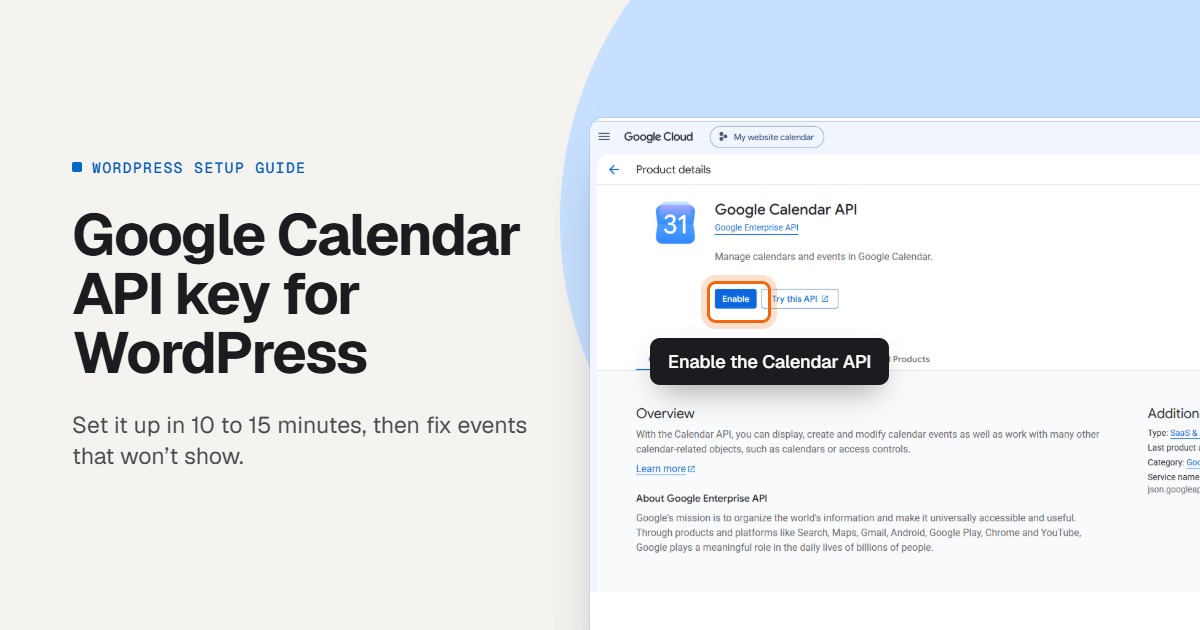
Learn how to create a Google Calendar API key for WordPress, connect it to your calendar plugin, and fix events that won’t show.
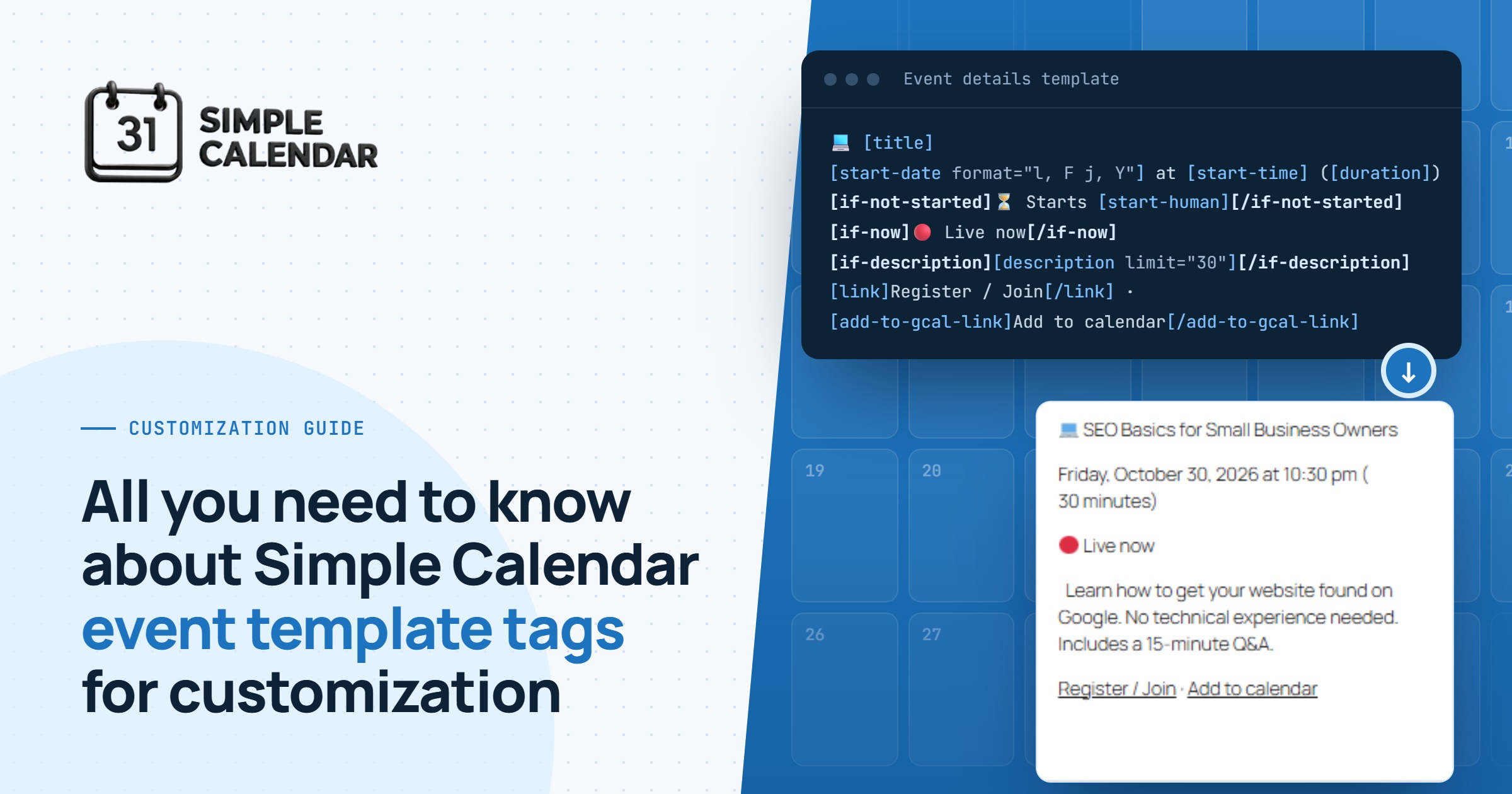
Want more control over how events display on your WordPress calendar? Simple Calendar’s event template tags let you customize every detail with simple shortcode-like tags. Free plugin, no code needed.
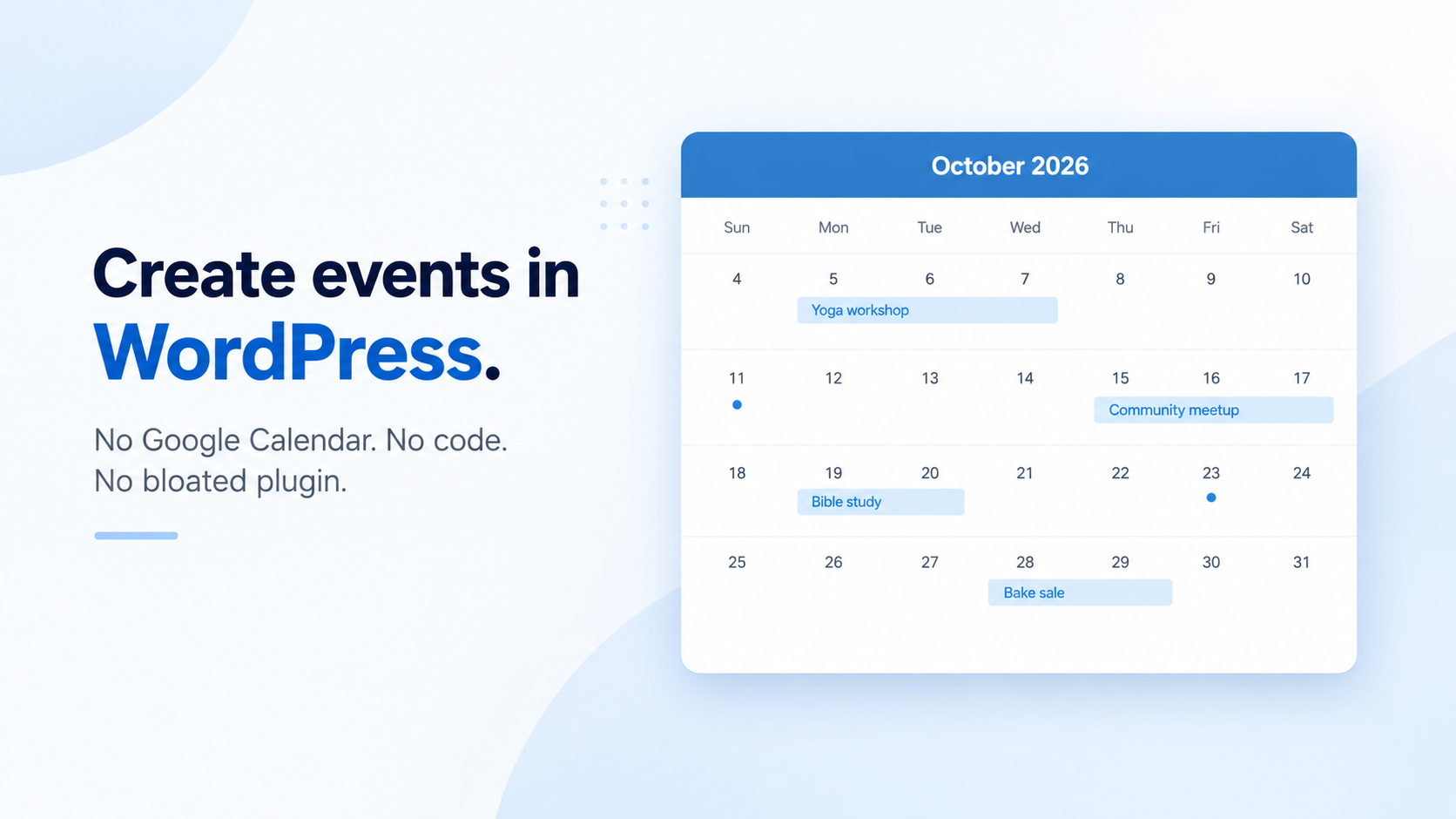
Learn how to create events in WordPress without Google Calendar using Simple Calendar’s free SC Events feature. A lightweight event post type for any site.